Is Yono Games Safe? Check APK Sources, Publishers and Permissions
A practical guide to checking an app’s identity, download source, Android permissions, and security warnings before trusting a Yono-branded APK.
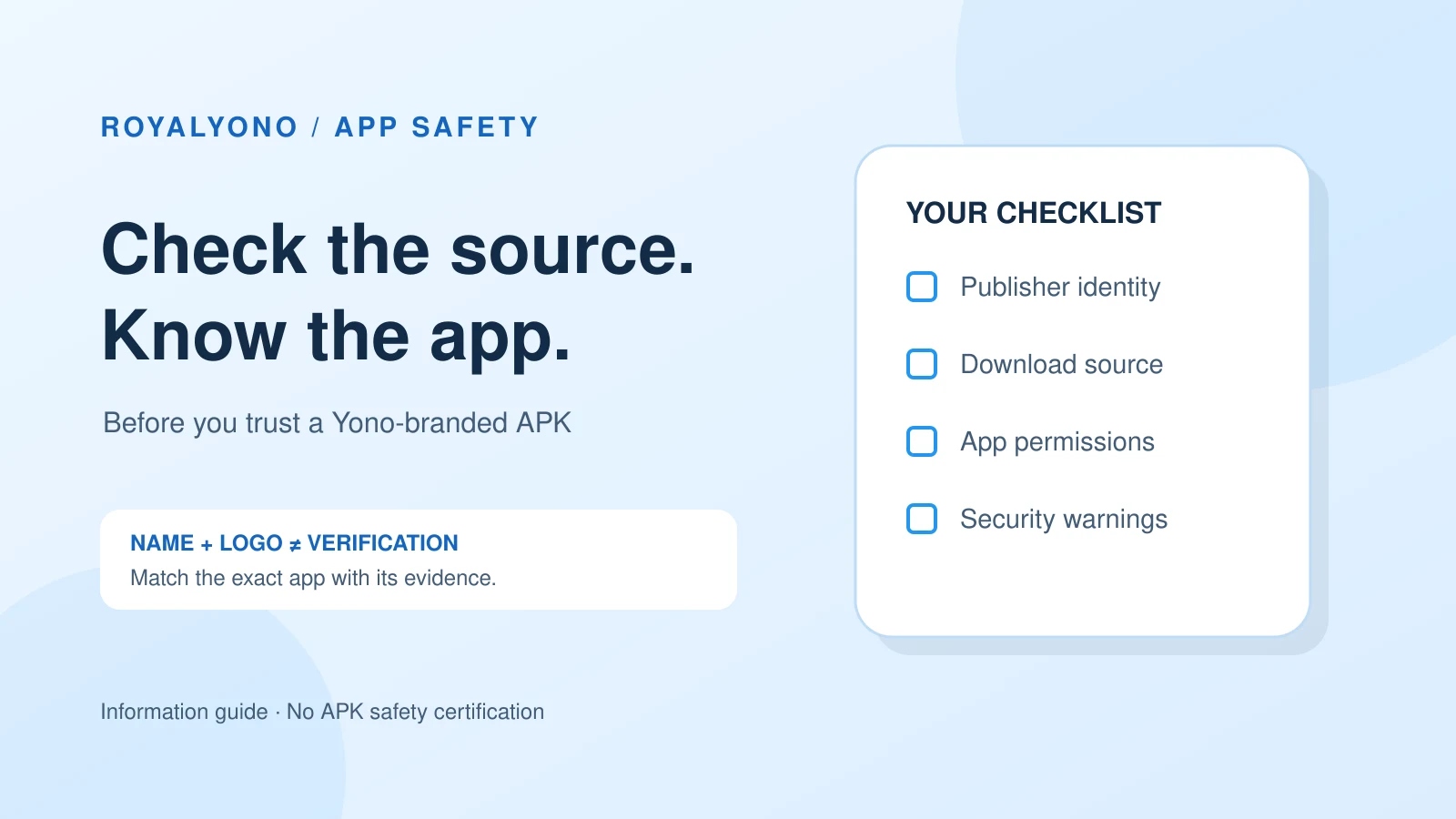
You cannot confirm whether Yono Games is safe from a name, logo, bonus banner, or download button alone. You need to identify the exact app, who publishes it, where the file comes from, and what access it requests. This guide explains those checks. It does not certify any Yono-branded APK or promise that an app will protect your information.
What does “Yono Games” refer to?
Start with the individual listing. A search phrase can lead to pages for different apps, versions, and websites. Two pages that use similar words may link to different files. A familiar icon does not settle the question, either. The useful question is: “Which exact app and publisher am I looking at?”
Use the Yono Games directory to locate a listing by name. Treat a directory as a starting point for research. Its presence on a website is not a substitute for checking the publisher or the file you would actually receive.
Write down the app name, publisher name, website domain, and any version information shown. If those details are absent or inconsistent, keep that uncertainty visible. Do not fill the gaps with details from another app just because the names sound alike.
App identity comes before a safety verdict
Look for a publisher you can identify
Check whether the app page names a developer or operating organization. Look for a privacy policy and a support route that explain who is responsible. A contact form alone gives you a way to send a message; it does not prove who will answer it.
When comparing entries in the Yono app listings, keep each publisher’s evidence separate. One app’s reviews, update history, or support details cannot establish the safety of another. If a listing uses the word “official,” look for evidence supporting that description.
Compare the page, file, and installed app
A mismatch deserves a pause. For example, the page may advertise one app while the download redirects to a different brand. That does not by itself establish malicious behavior, but it means you have not confirmed that the file matches your original choice.
A package ID is an Android identifier, not a trust badge. If a publisher provides it, compare it with the package information available for the app. Matching text can help distinguish listings. It still does not establish that a file is authentic or free of harmful behavior.
Check the download source and its destination
Before opening a download, inspect the full destination address. Check the domain carefully, including extra words and altered spelling. A padlock or HTTPS connection protects the connection to that domain; it does not establish that the operator is trustworthy.
The Yono Games category can help you return to the listing you were researching. From there, compare the destination with the publisher information you have collected. If the file is hosted elsewhere, establish the relationship before proceeding.
Be cautious when an unexpected message supplies a replacement link or claims the usual source is unavailable. Avoid treating a forwarded APK as the same file you reviewed earlier. Screenshots and copied descriptions are easy to reuse, so neither proves the origin of the download.
How to compare RoyalYono’s individual app pages
Keep your checks specific to the page. For example, the Diwa King information page and the Max Rummy information page describe separate listings. Do not transfer a publisher name, version number, or support contact from one to the other.
The same applies to the Yono Slots information page. Compare the current page title and article with the destination you are checking. A URL can retain old promotional wording after an article changes. Read the current explanation rather than treating the slug as proof of a current offer.
These examples explain how to compare information. They are not recommendations to install the listed apps. This article does not report a malware test of their APK files or verification of their operators.
Review Android permissions before granting access
On many Android phones, open Settings, choose Apps, select the app, and open Permissions. Menu labels vary by device and Android version. Review the access already granted and the access the app requests.
Ask whether each request fits a feature you understand. Camera access might relate to taking a photo, while contacts access exposes a different type of information. A permission prompt explains the requested access; it does not establish that granting it is appropriate.
If a request does not make sense, deny it and seek an explanation. Avoid granting broad access simply to dismiss a prompt. Treat accessibility access and permission to appear over other apps as separate settings that also need a clear purpose.
Revisit permissions after updates or changes in behavior. A previous decision does not remove the need to examine a new request.
Keep Google Play Protect enabled
Google Play Protect checks for potentially harmful app behavior, including apps from sources outside Google Play. Google recommends keeping it enabled. In the Play Store, open your profile menu and choose Play Protect to review its status.
If a warning appears, stop and read it. Do not disable protection just because a download page tells you to. A scan with no warning is useful information, but it does not verify a publisher’s identity, business practices, or promises.
See Google’s official Play Protect guidance for the current instructions and what the protection checks.
What bonus banners and ratings cannot prove
A large bonus claim does not answer an app-safety question. Neither does a star rating shown without a clear source. Separate promotional wording from information you can check. Ask who published the claim, when it was updated, and which exact app it concerns.
For example, “latest version” is incomplete without a version identifier and a source. “Verified APK” is also incomplete without an explanation of what was verified. Was it the download link, the package identity, or a particular file scanned on a particular date?
Even a genuine review has limits. A reader may have assessed an older release or described a different feature. Read for specific observations rather than assuming a positive comment covers every aspect of privacy, security, and reliability.
A practical pre-installation checklist
Before deciding, answer these six questions in your own notes. An unanswered question is a reason to pause, not an invitation to guess.
- Identity: Can I distinguish this app from similarly named listings?
- Publisher: Can I identify the organization responsible for it?
- Source: Can I explain why this download destination belongs to that publisher?
- Access: Do I understand the permissions and special access being requested?
- Warnings: Have I reviewed device security warnings without bypassing them?
- Evidence: Which claims have a clear source, and which remain unverified?
A complete set of notes improves your decision. It is not a security certificate. If the source or publisher remains unclear, choosing not to install is a reasonable outcome.
What if you have already installed an unfamiliar APK?
Stop using the app if you notice unexpected requests or cannot identify its source. Review its permissions, run the available Play Protect check, and consider uninstalling it. Keep your phone’s operating system and security updates current.
If you entered credentials that you also use elsewhere, change those reused passwords through the relevant service’s trusted app or website. Do not use a recovery link supplied by the unfamiliar app. Never send someone a password, one-time login code, or payment PIN to prove ownership.
For unresolved device behavior, use the phone manufacturer’s support channel. Explain what happened and which app was involved. A screenshot of a warning can help describe the problem, but remove personal details before sharing it publicly.
So, is Yono Games safe or fake?
There is no responsible blanket verdict based on the shared name alone. A missing detail does not prove fraud, and a polished page does not establish safety. Judge the exact app, source, and evidence. When those checks cannot be completed, the correct conclusion is that safety remains unverified.
This guide is educational. It does not assess whether a particular app is legally available in your location or suitable for your age. Security checks do not answer those separate questions.
Return to RoyalYono when you need to locate an app-information page, then apply the same checks to that exact listing. Keep your decision tied to evidence rather than a logo, a promotional figure, or an unsupported safety label.
Frequently asked questions
Is every app using the Yono Games name the same app?
Do not assume so. Compare the exact app name, publisher, package information, and download destination. Similar names or icons do not establish that two listings refer to the same file.
Does a Play Protect scan prove an APK is completely safe?
No. Play Protect checks for potentially harmful behavior. A scan does not certify an operator, verify promotional promises, or guarantee that an app is free of every risk.
Should I turn off Play Protect to install a Yono APK?
Keep Play Protect enabled. Stop and read any warning rather than disabling protection to follow a download page’s instructions.
Does a signup bonus prove that an app is genuine?
No. A bonus is a promotional claim. It does not establish who publishes the app, where a file came from, or whether the software handles information appropriately.
Has RoyalYono certified the apps mentioned in this guide?
No. This article provides an information-checking method. It does not present malware testing of the mentioned APKs or certify their publishers, downloads, or business practices.